Feeding Asset
What a Feeding Asset is used for
A Feeding Asset is the same thing as an external rack in Autoliv — the place where products,
materials, or components are stored.
Properties
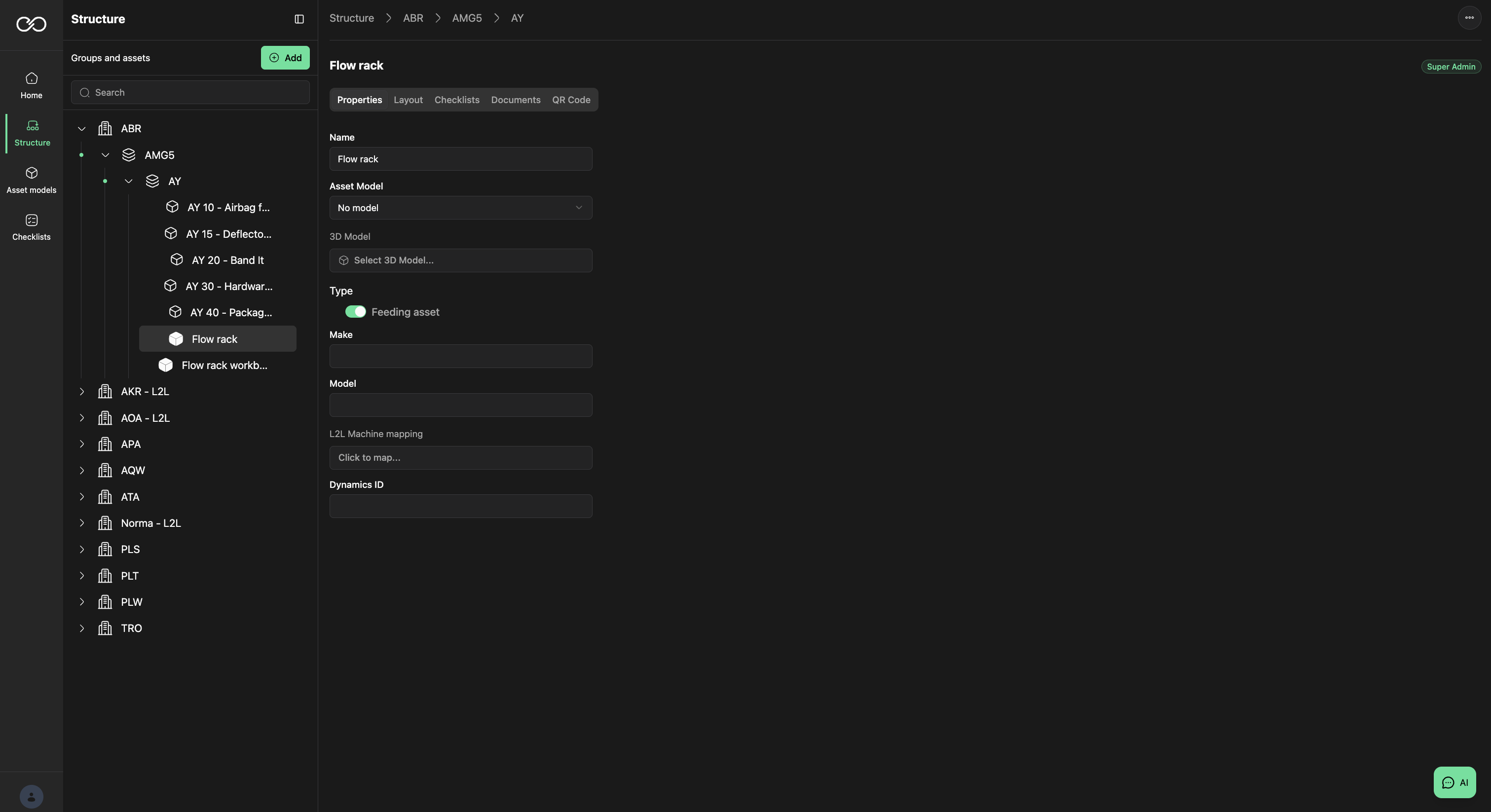
The Properties tab holds the basic information about a Feeding Asset:
- Name — Feeding Asset name.
- Asset Model — set if the Feeding Asset uses an Asset Model as a template. Attributes inherited from the model cannot be changed.
- 3D Model — if the Feeding Asset has a 3D model assigned to it.
- Type — defines whether the asset is a standard Asset or a Feeding Asset.
- Make / Model — make and model of the Feeding Asset.
Layout
Layout is the physical description of the Feeding Asset:
- Dimensions — Height, Width, and Depth
- Buffer Size — set the maximum and minimum value of the buffer size
Checklist
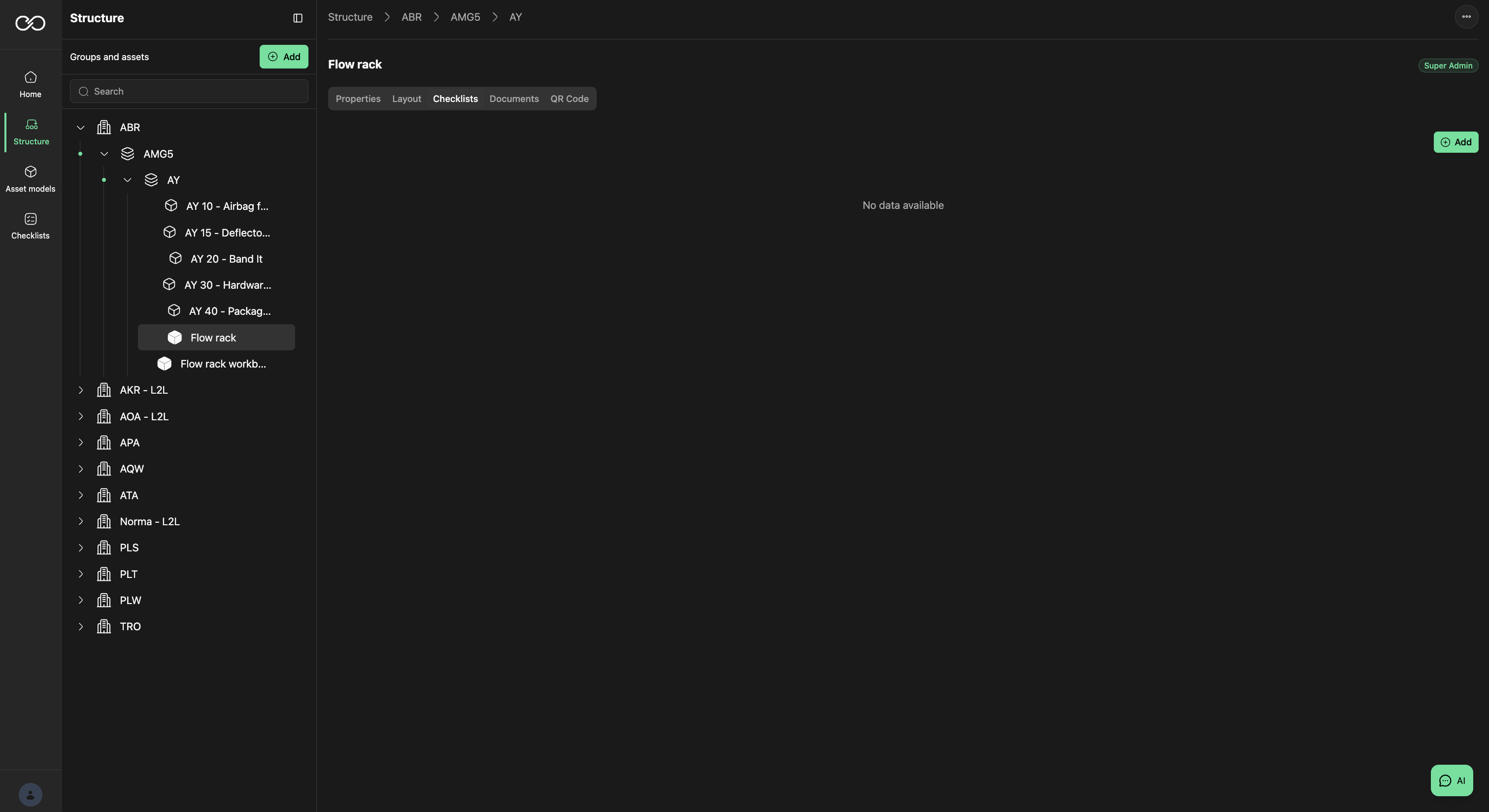
Checklists assigned to the Feeding Asset, for daily maintenance and similar tasks. Add a defined checklist via Add.
Documents
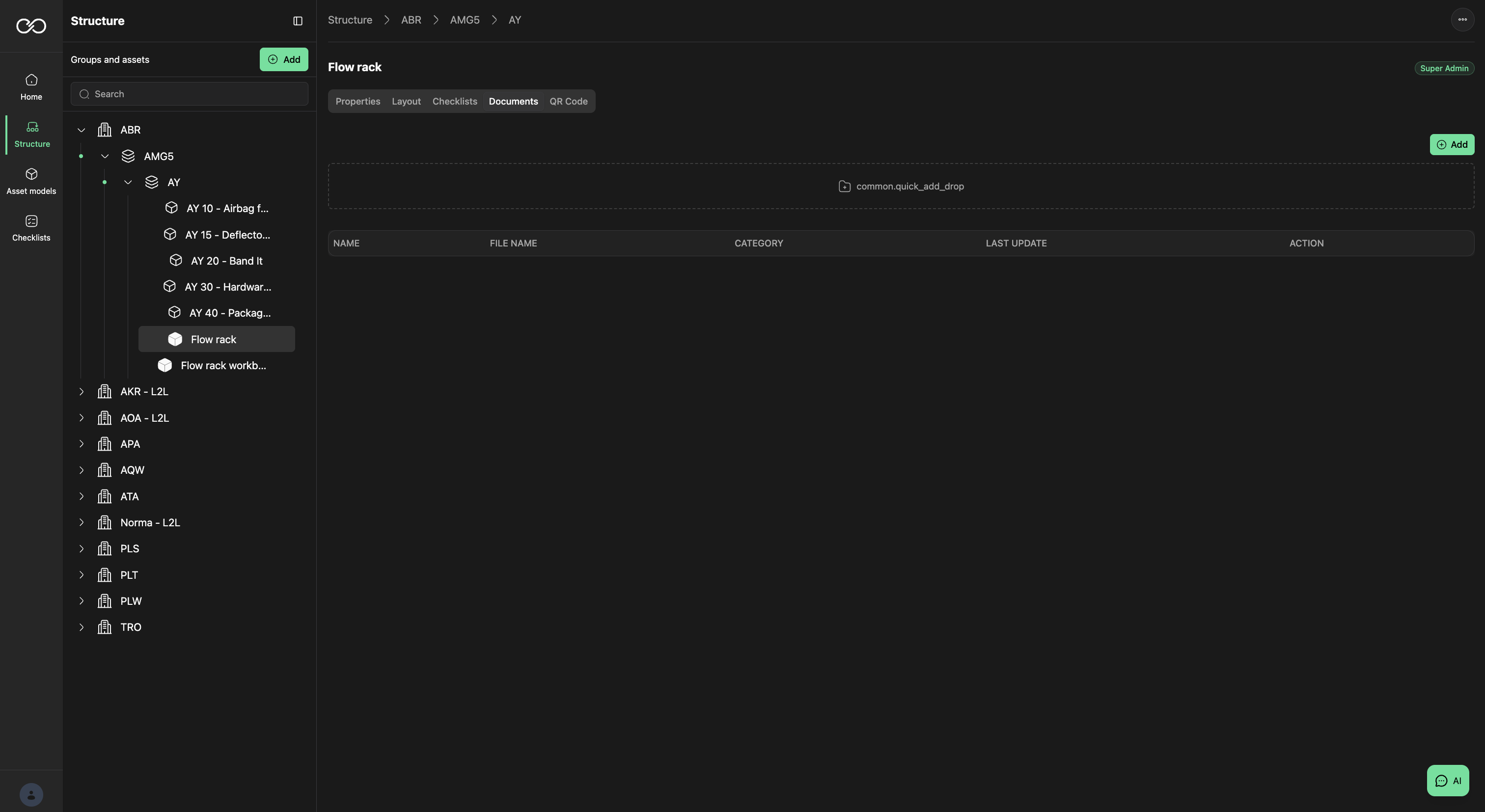
Documents unique to the Feeding Asset — manuals, instructions, or similar. Drop a file on the drop area or select Add. The documents will be known by the AI.
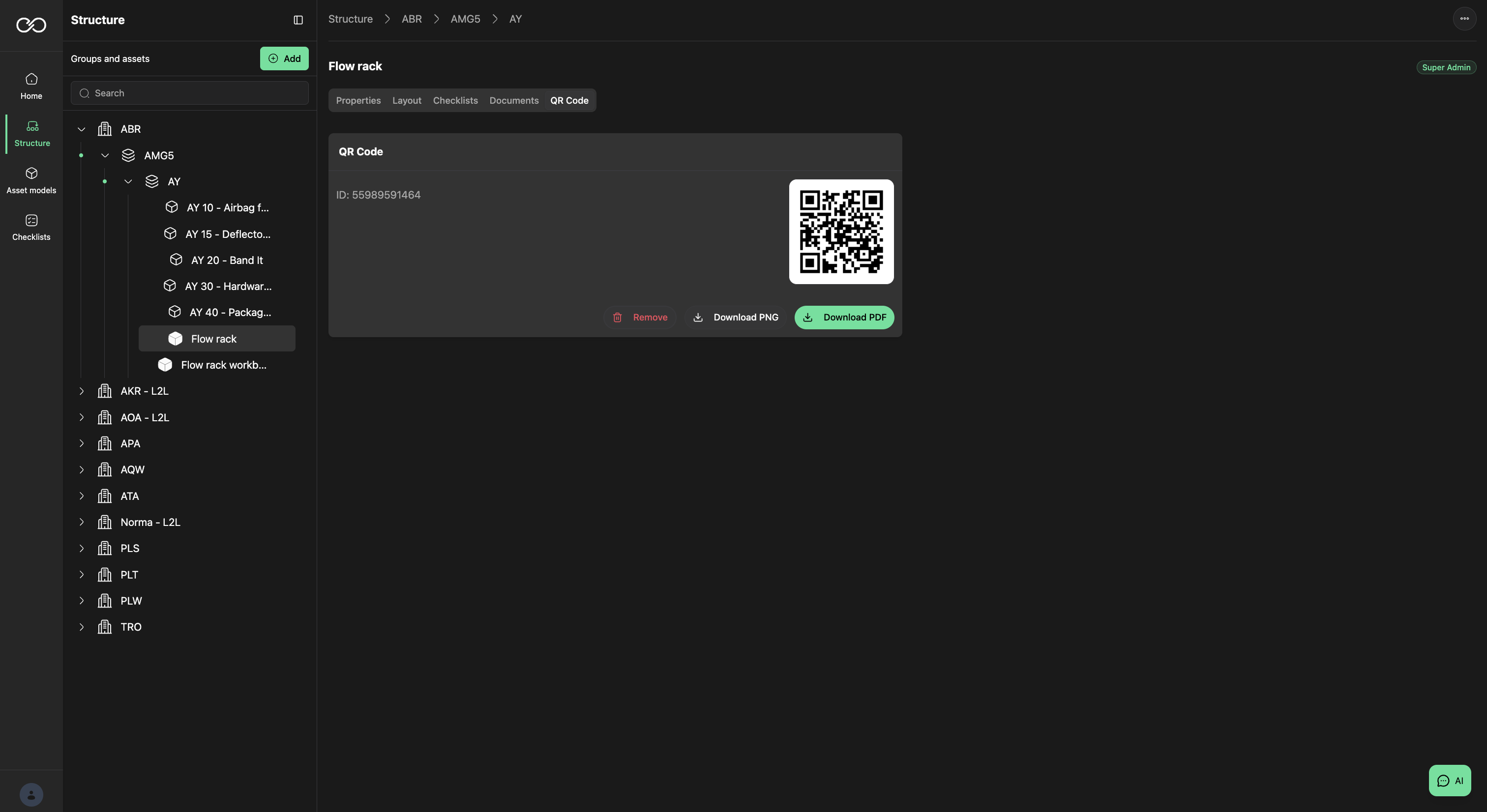
QR Code
Assign a QR code to the Feeding Asset to identify it when using the Epicz Lab App. Either write your own or generate one via Generate ID.
Was this article helpful?
That’s Great!
Thank you for your feedback
Sorry! We couldn't be helpful
Thank you for your feedback
Feedback sent
We appreciate your effort and will try to fix the article